

Nowadays most people stream music from services like Spotify or Pandora or Apple Music. It’s easy to just like a few things and have data engines pick other things you may like and put them in your queue. The downside is that you may not actually listen to tracks you really like, and if you have an eclectic ear, you may find a few new things you like but also encounter a lot of stuff you don’t really care for. Also there are the adverts, often the same ones again and again and again.
But what if you grew up during the CD era? What if you’re like me and you still have all your CDs, and years ago you went through and ripped everything you own and tossed it onto a hard drive (and then later a network file server)? What if–and this is before the big streaming services were born–you also curated your collection? And by curated, I mean employed a system that worked for you to organize and make note of what you really liked and various tracks that you didn’t, but because they were on the CD you physically own, you’re unwilling to just delete them? (My system is to use a 1- to 5-star rating option to mark the songs I really liked vs. those I really didn’t care to listen to, vs. those I liked enough to have in the mix sometimes.)
When we first moved in, we got a small Sonos unit and put in the boys’ space, so they could be entertained by music when I was in other parts of the house. I used Pandora, but over the years the Sonos was in service, the ads got more and more frequent–instead of between every sixth or tenth track, they started popping up between every second or third. And they were always the same adverts. Being a voice actor, staying in the know about current commercial trends is a good thing, but there’s only so many times one can hear Jon Hamm doing a Mercedes spot before one wants to toss their Sonos out a window.
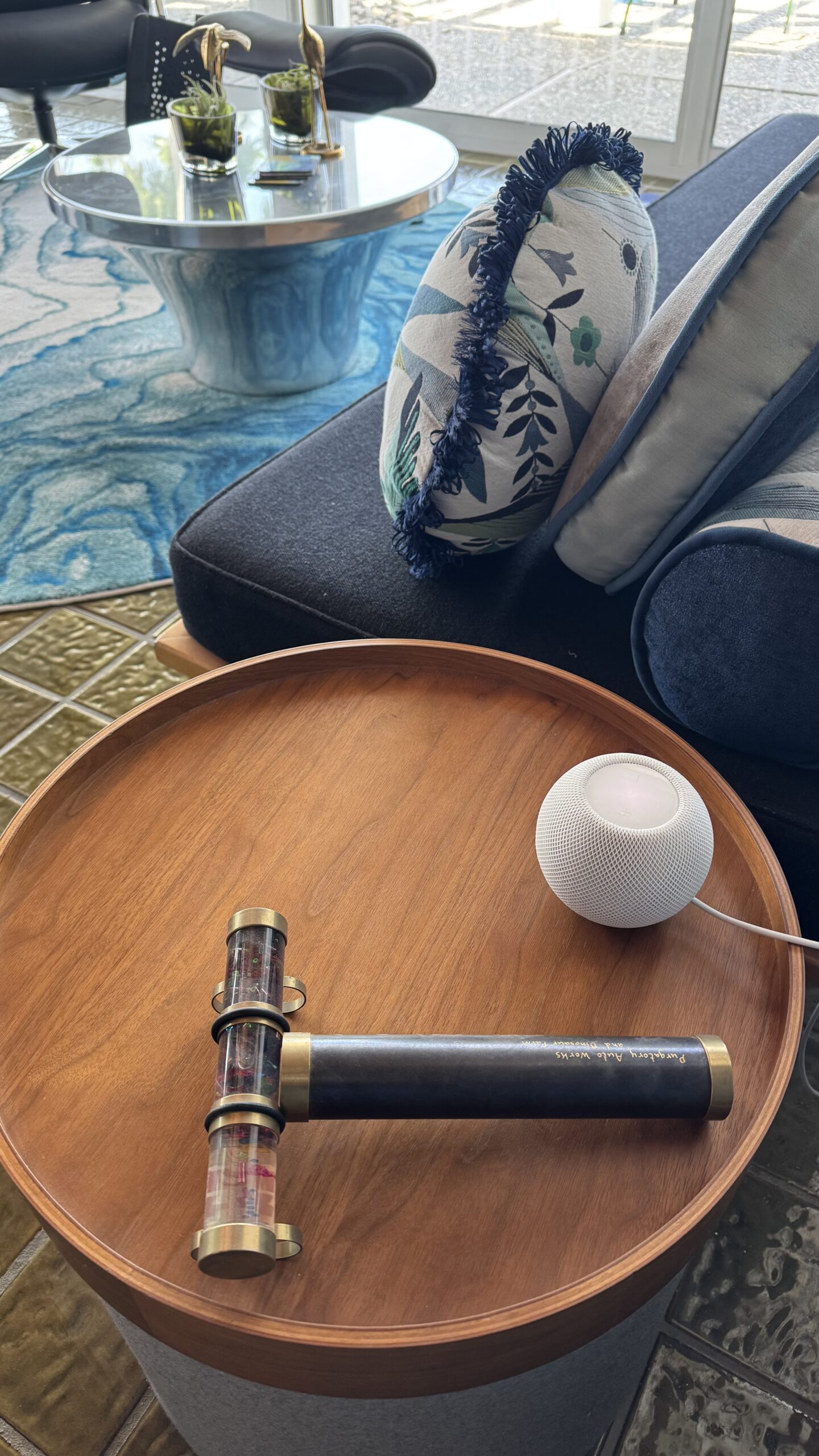
A couple of years ago, we got a HomePod and put it in our bedroom, thinking it would be nice to have Siri and music in there. And it was. A few years later we got a handful of HomePod Minis and started using them in other parts of the house. That is when we dumped the streaming services entirely. Since I had a perfectly cromulent music collection, I just used my ratings, genre feature and other options to create curated playlists.
Side note: curating one’s music library is not as simple as a few clicks–whatever software one uses will come with idiosyncrasies. iTunes/Apple Music likes to duplicate files, will occasionally lose the path to your library (especially if your library is on a NAS), and the whole “Keep Library Organized” option should be used with extreme caution. When I replaced my old iMac with a new computer last year, I picked up an OWC setup and moved my Library to it and now just use my NAS to back up my Library and a bunch of other stuff. (For the geeks out there–I use Automator to call a selection of shell scripts that then use rysnc to copy stuff to various spots and thus have backups.) Also, I have a smartlist in my iTunes/Music that only shows me unrated tracks. Sometimes it gets super confused though, as the whole iCloud matching thing can result in dupes and there’s no easy way to deal with them except spending time manually tidying things up.

Anyway, the end result of all of this (and what I’ll cover in the next post)? Every day at 10am the music starts. A HomePod in the boys’ space, one in our bedroom, another in the great room and an ancillary Sonos amplifier in the kitchen all play the same music. Each day a different genre is in shuffling rotation and some days that genre swaps around at various times. The end result is that the stuff playing at Purgatory is almost always something we actually like.
And it’s totally ad-free.
And for those wondering, the old Sonos unit was used in the garden shed for a few years before I gifted it to Agent B for use at their home. Also I really like the band James, which is why they have their own playlists–makes it easier to weed through the random bootlegs and duplicates.